


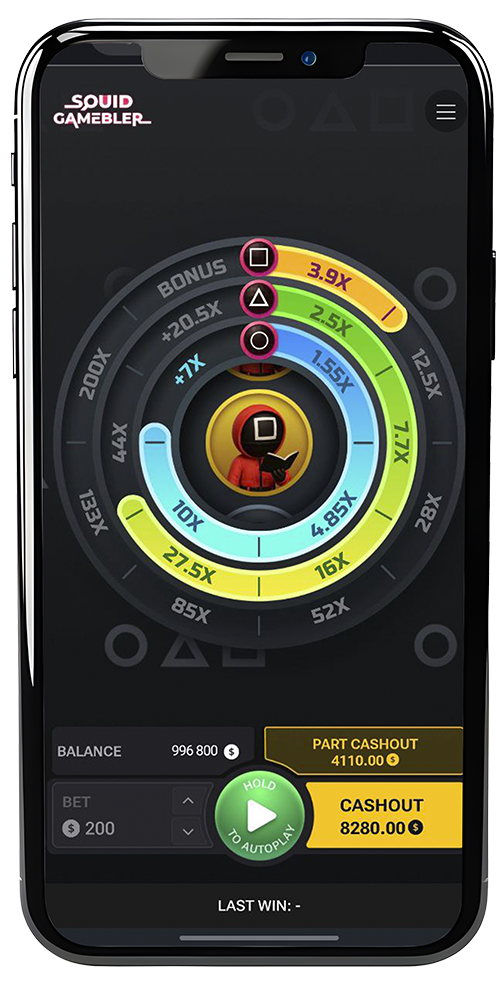
Squid Gamebler Mobile App – Play Anytime, Anywhere
When we designed the Squid Gamebler mobile app, our mission was clear: bring the same intensity, customization, and thrill of the desktop version directly to your pocket. For many players, the phone is the first choice for gaming, and we wanted to make sure the experience was smooth, responsive, and just as immersive as on a big screen.
The app is not just a copy of the browser game. It has been optimized for speed, touch interaction, and user convenience, so you can enjoy Squid Gamebler whether you’re on the couch, commuting, or taking a quick break during the day.
Why Play Squid Gamebler on Mobile?
Mobile gaming is no longer a compromise—it’s the preferred way to play for millions of users worldwide. With Squid Gambler, you get the full arcade-casino experience, perfectly adapted for your smartphone or tablet.
Advantages of Playing on a Smartphone
- Portability: Access Squid Gamebler anywhere with internet connection.
- Optimized Touch Controls: Swipe, tap, and hold gestures feel natural and fast.
- Instant Access: No need to log into a desktop; open the app and play in seconds.
- Battery Efficiency: Optimized to run without heavy power consumption.
Unlike many apps that strip down their mobile versions, Squid Gamebler retains all the customization, modes, and difficulty settings you’d find on desktop.

App Features
The mobile app was built to give players full control, with no trade-offs compared to PC play.
Smooth Gameplay Experience
- High frame rate ensures zero lag.
- Fast loading times on both Wi-Fi and mobile data.
- Consistent design across Android and iOS.

Full Customization on Mobile
Players can adjust:
- Grid sizes (5×5, 6×6, or 8×8).
- Visual themes and background animations.
- Music and sound effects with touch sliders.
Mobile-Friendly Layout
The app automatically adjusts to portrait or landscape mode. This flexibility is especially important for players who like quick vertical sessions or immersive horizontal play.
Technical Requirements
We worked hard to keep the app light and accessible so that as many players as possible can enjoy Squid Gambler without worrying about device performance.
Android Requirements
- OS: Android 7.0 or later.
- RAM: Minimum 2 GB.
- Storage: 150 MB free space.
- Connection: 4G or Wi-Fi recommended.
iOS Requirements
- OS: iOS 12.0 or later.
- Device: iPhone 7 or newer.
- Storage: 150 MB free space.
- Connection: Stable mobile data or Wi-Fi.
Even older mid-range smartphones can run Squid Gamebler smoothly, making it accessible to nearly all players.
User Interface in the App
We paid special attention to the mobile UI, since touch controls are different from mouse clicks. Buttons are large, intuitive, and positioned for single-handed use.
Layout Adaptation
- On smaller screens, the grid resizes for readability.
- Essential information (bets, multipliers, rounds) stays visible at all times.
- Menus are simple, with no unnecessary clutter.
Touch Controls
- Tap to reveal steps.
- Swipe to switch between menus.
- Hold to activate turbo mode.
These adjustments make the app easy for beginners while still offering speed for experienced players.
Advantages of Playing in the App vs Browser
Many players ask: Why download the app when I can play in the browser? Here’s what makes the mobile app superior:
- Offline Convenience: The app stays on your home screen—no need to search for links.
- Faster Loading: Data is pre-cached, reducing wait times.
- Exclusive Features: Promo codes and bonuses available only in the app.
- Better Controls: Designed specifically for touchscreen gestures
For us as developers, the app is the definitive way to play Squid Gamebler on mobile.

Exclusive Promo Codes for Mobile Players
To reward those who download the app, we’ve prepared exclusive promo codes that are not available in the desktop or browser versions.
Available Promo Codes

SQUIDAPP50
Get a 50% bonus on your first deposit made via the app
- First-time mobile deposits only

MOBILESPINS20
Unlock 20 free spins usable in Squid Gamebler when playing through the app
- For all new app users
These codes were designed to encourage players to try the app and experience its optimized features.
| Promo Code | Reward | Availability |
| SQUIDAPP50 | +50% on first app deposit | App only |
| MOBILESPINS20 | 20 free spins for Squid Gamebler | App only |
Security and Updates
We know that mobile players care about safety. That’s why the app is built with encrypted communication and regular updates to fix bugs and improve performance.
- Encryption: All transactions and connections are SSL-secured.
- Updates: Automatic updates ensure the app stays compatible with the latest OS versions.
- Privacy: No unnecessary permissions required beyond storage and internet access.
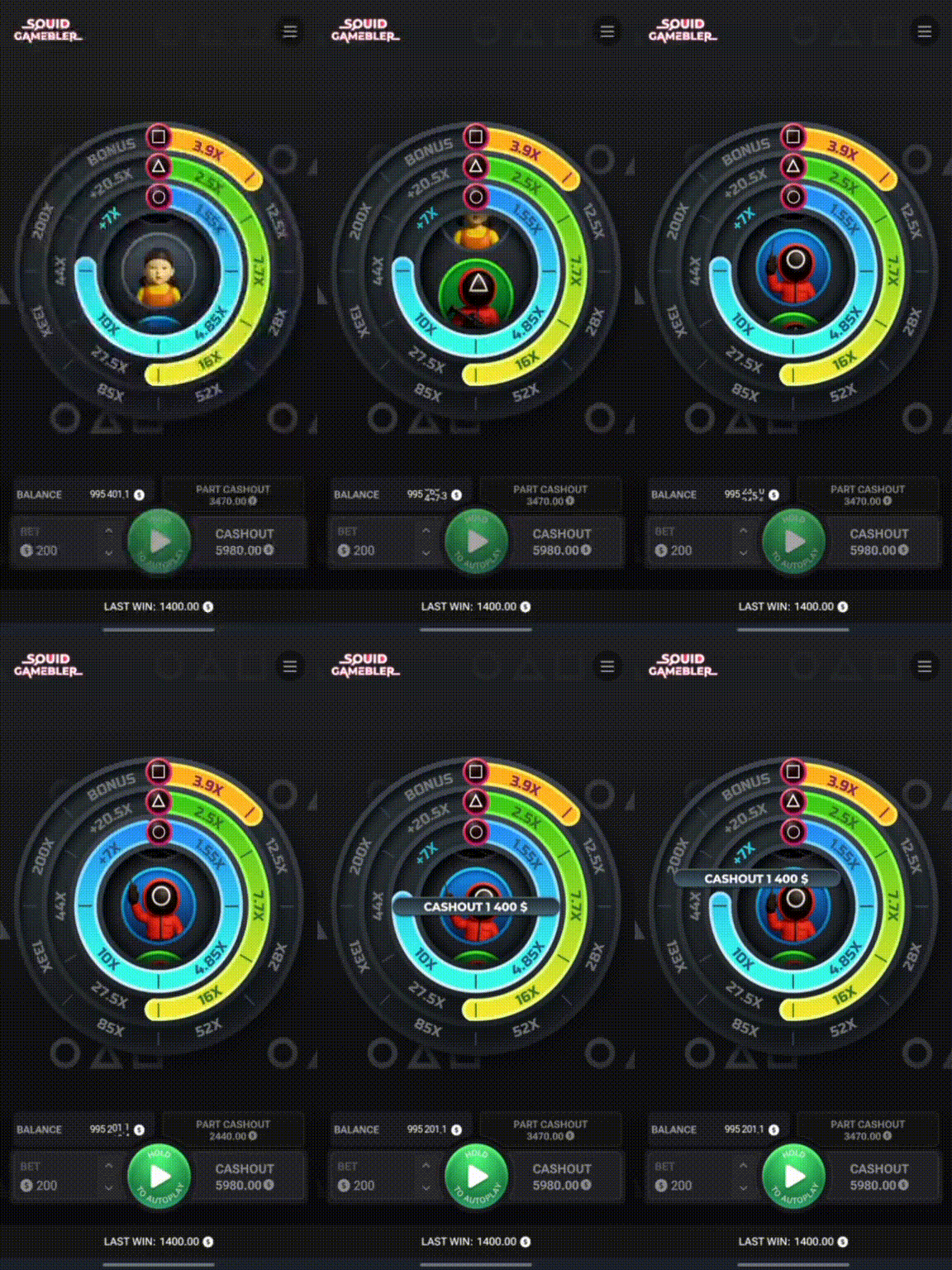
Playing on the Go
One of the biggest advantages of the Squid Gamebler app is the freedom it gives you. Whether you’re at home, traveling, or on a short break, you can play instantly.
Ideal Scenarios for Mobile Play
- Quick rounds during a commute.
- Longer sessions at home without opening a laptop.
- Testing demo mode while waiting for a friend.
The app was built for flexibility, making Squid Gambler available whenever you’re in the mood for a challenge.
Responsible Mobile Gaming
While mobile play offers unmatched convenience, it also makes responsible gaming more important than ever. The app includes features to help players stay in control:
- Session timers to track playtime.
- Deposit limits directly accessible in settings.
- Pause & break reminders to avoid overplaying.
We believe in giving players both excitement and control, and these features are our way of ensuring balance.
FAQ
Is the Squid Gamebler mobile app free?
Yes, the app is free to download and install on Android and iOS.
Do I need an account to use the app?
You can try demo mode without registration. For real play, you’ll need to log in or create an account.
Can I use the app offline?
You need an internet connection to play, but the app itself is installed locally for faster access.
Are the promo codes really exclusive to the app?
Yes, SQUIDAPP50 and MOBILESPINS20 can only be activated through the mobile app.
Does the app have the same features as desktop?
Yes, all difficulty modes, customization options, and statistics are available in the app.